Classroom Basics: Classroom Demo Video
See the first-time welcome popup, click Start Walkthrough, and follow the built-in tour through the real classroom controls.
One-time purchase, no subscription. Law & Business included.
Transcript
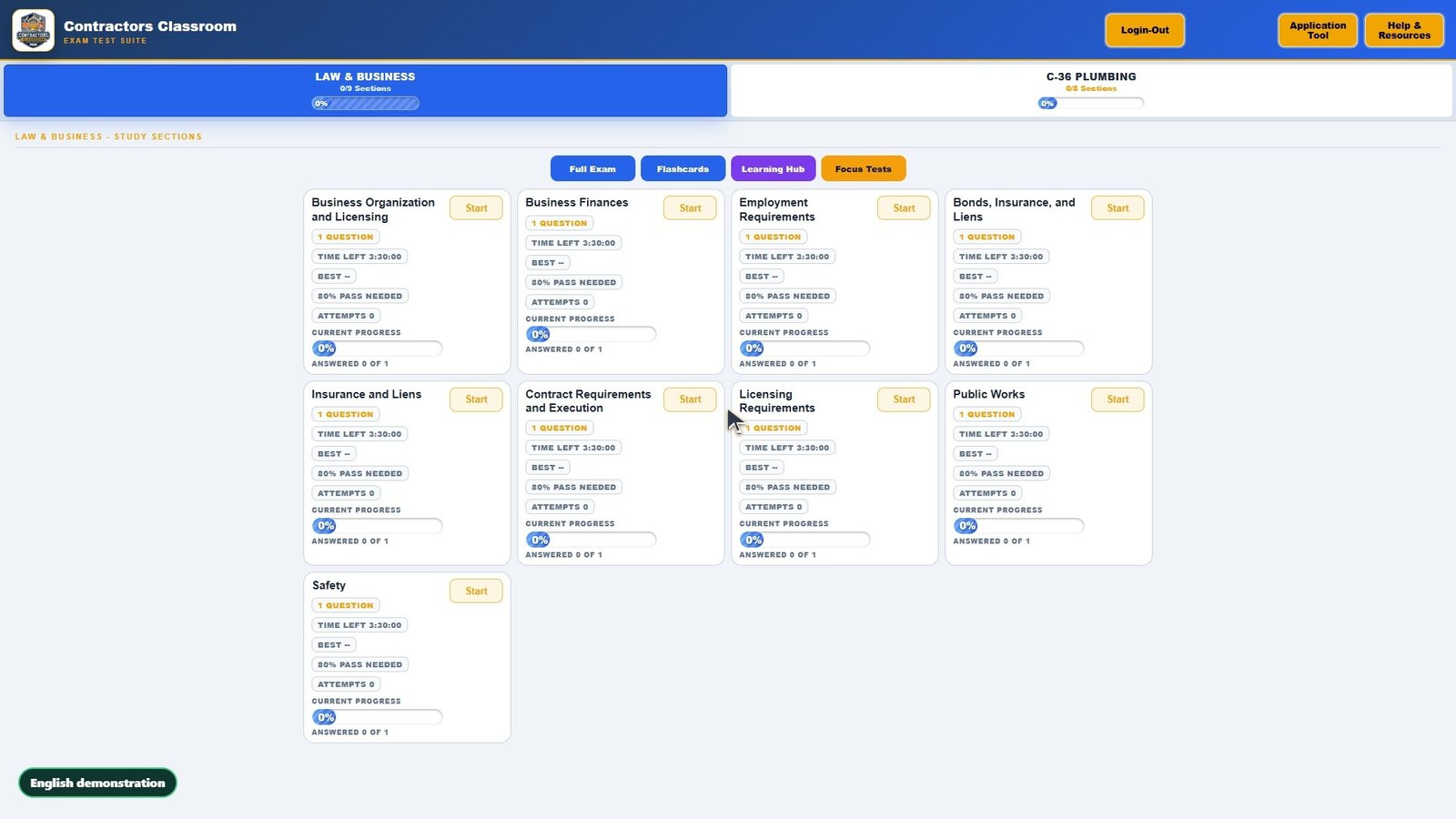
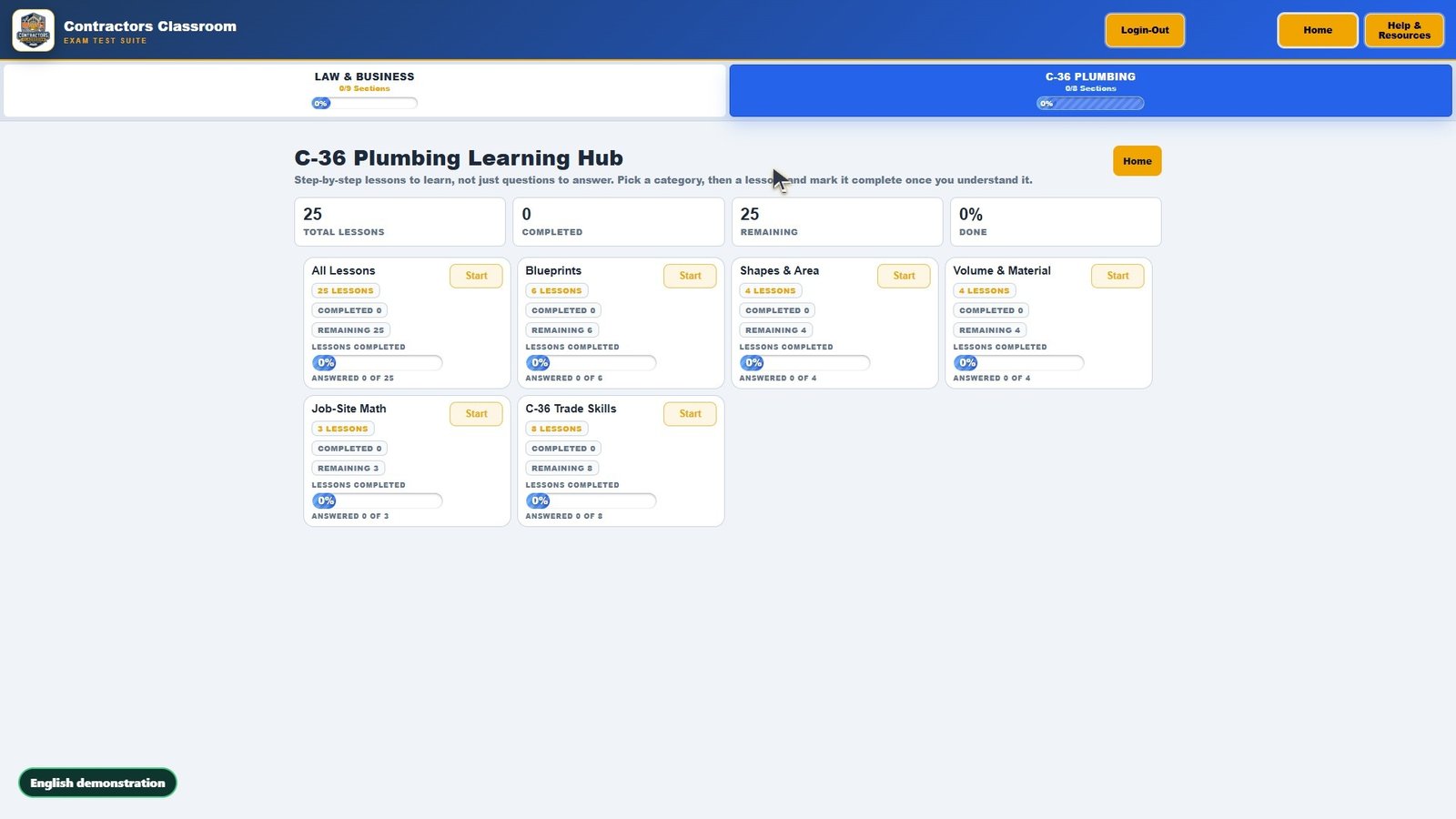
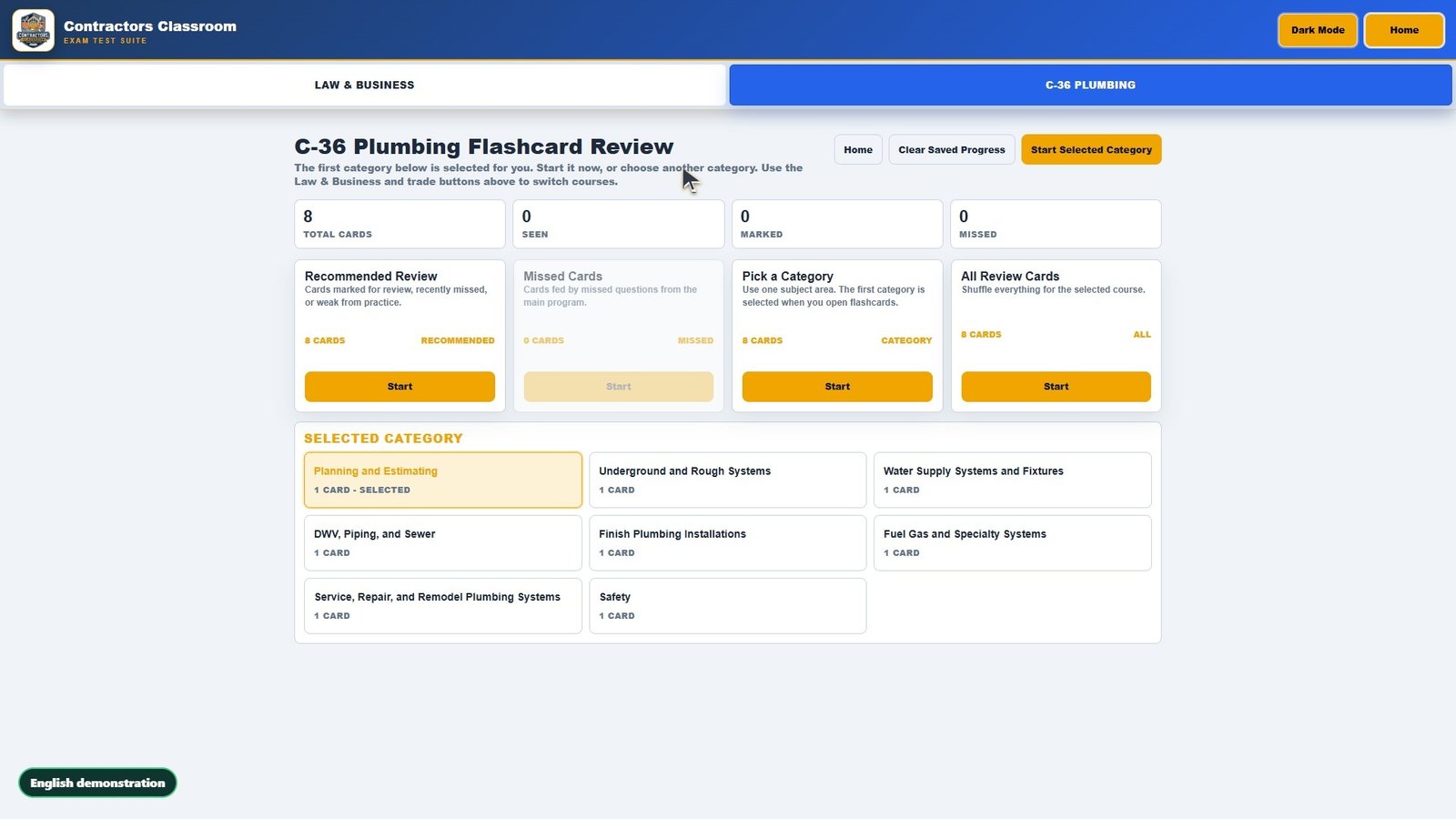
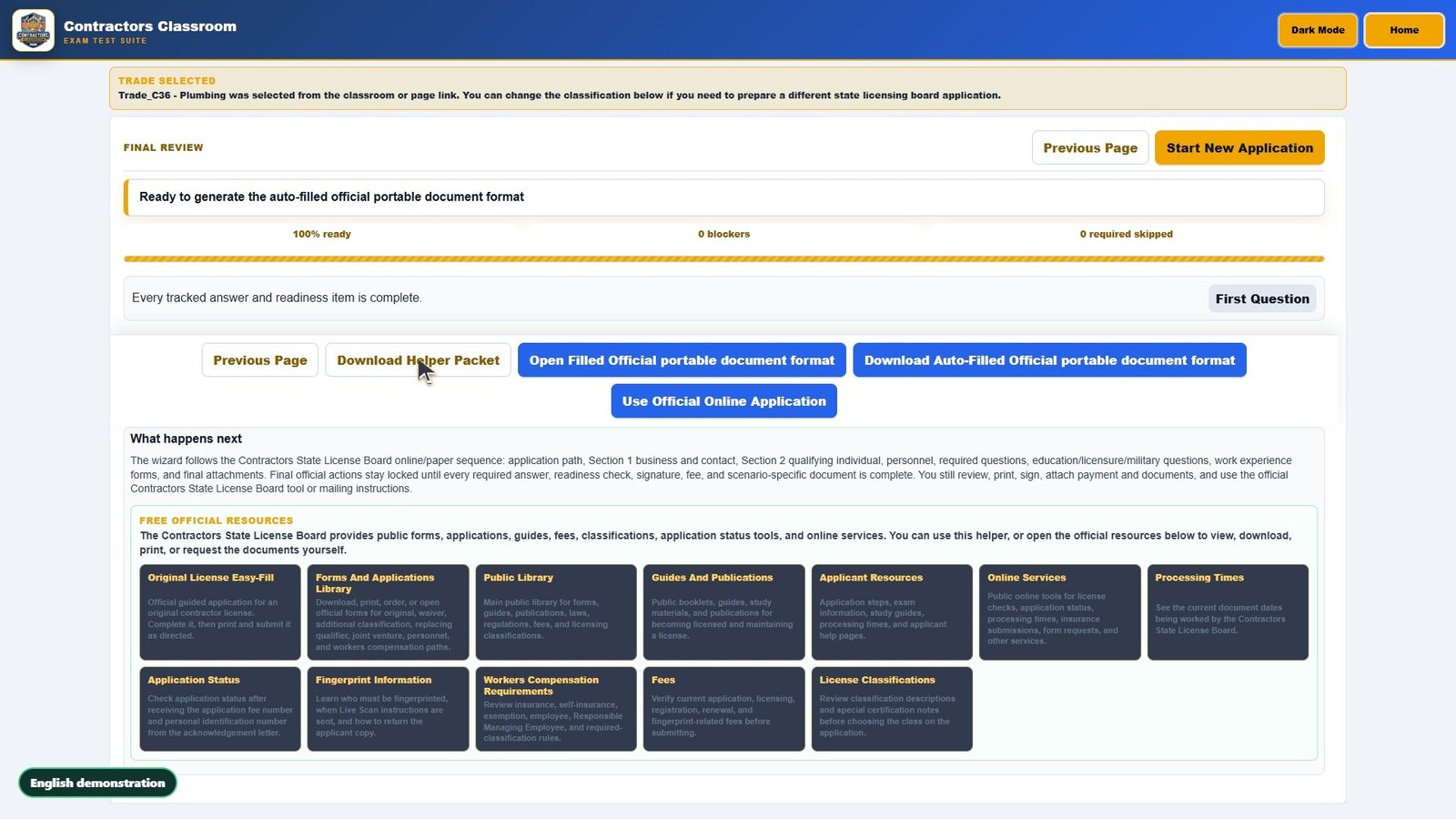
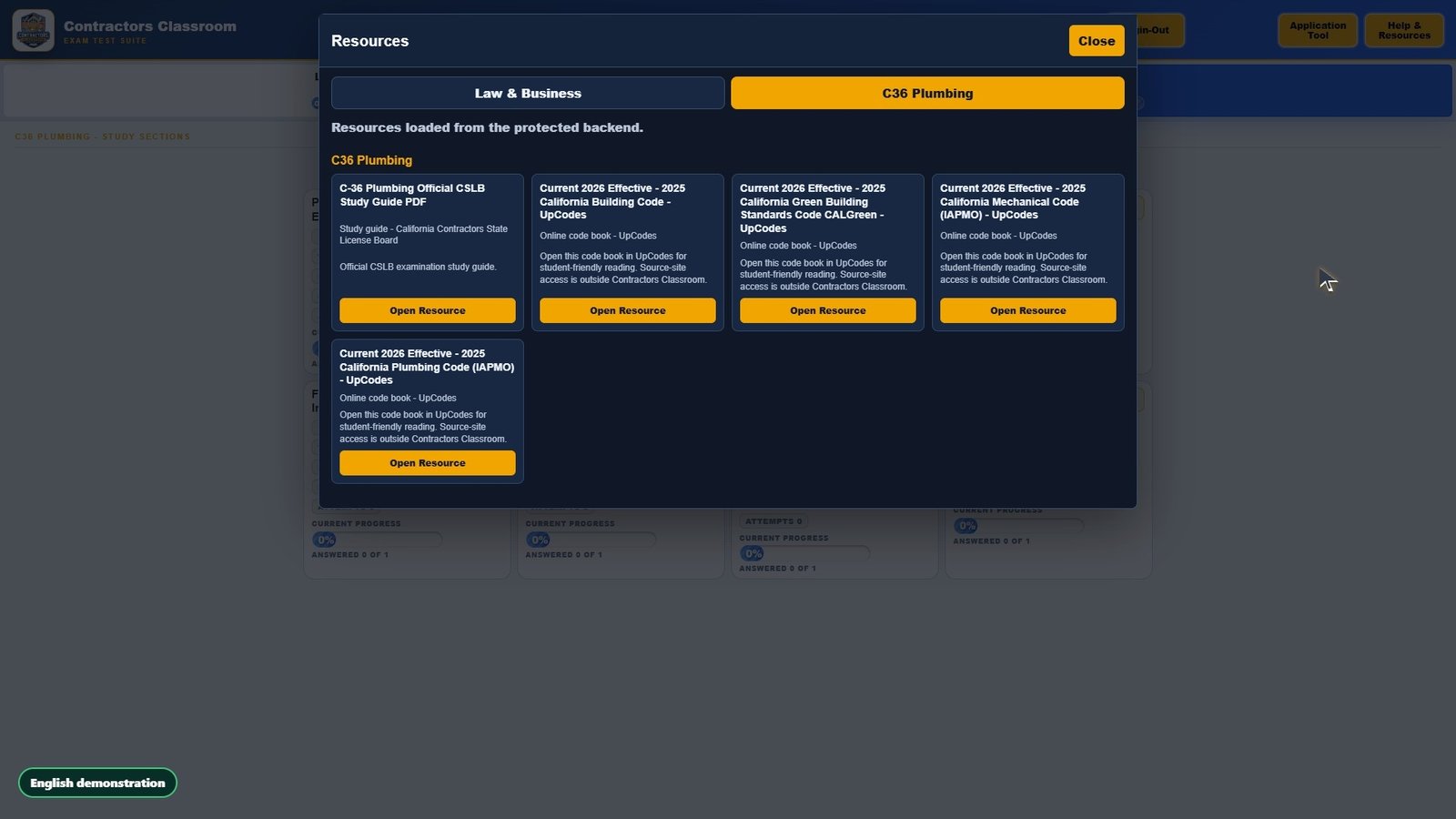
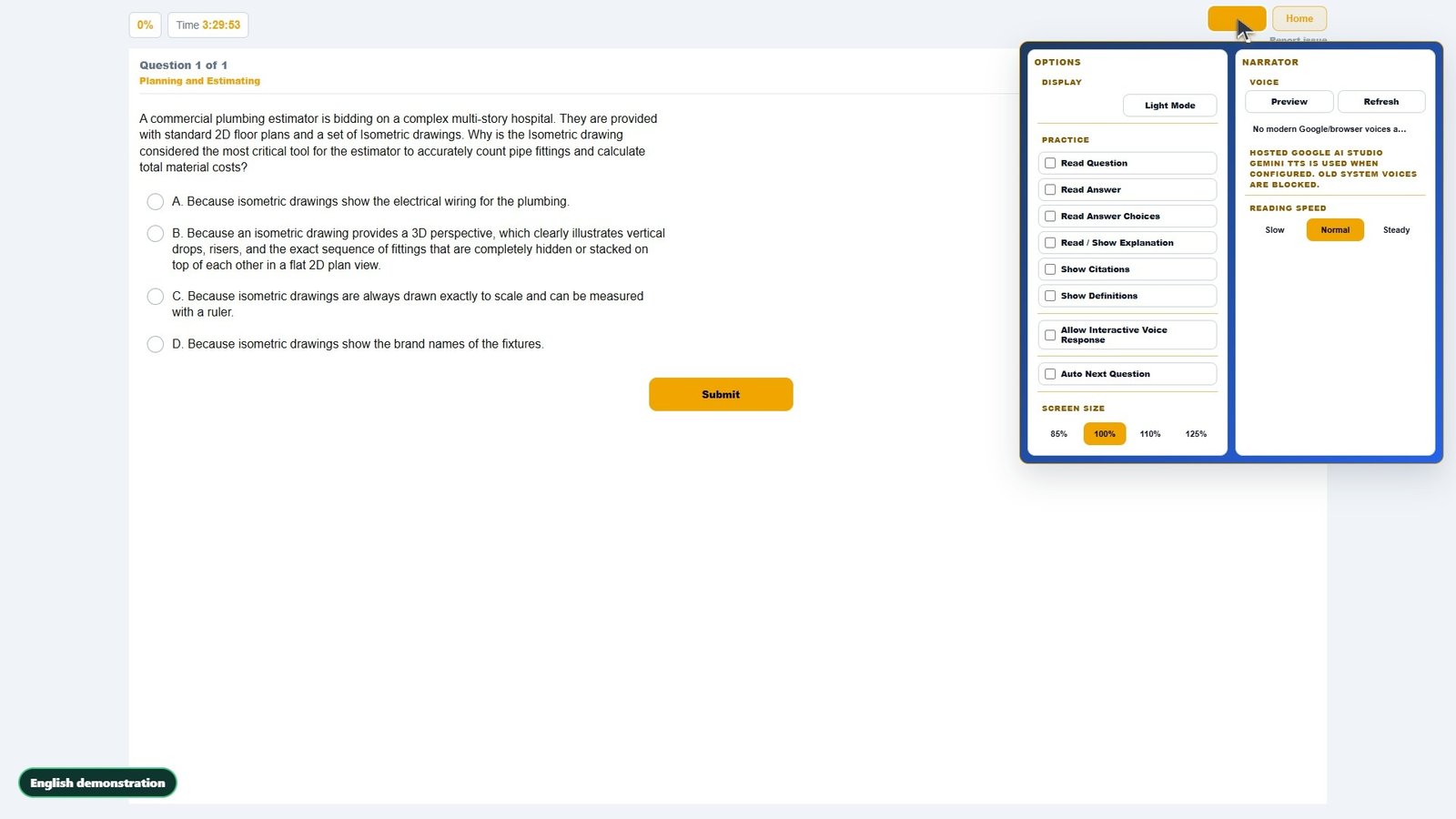
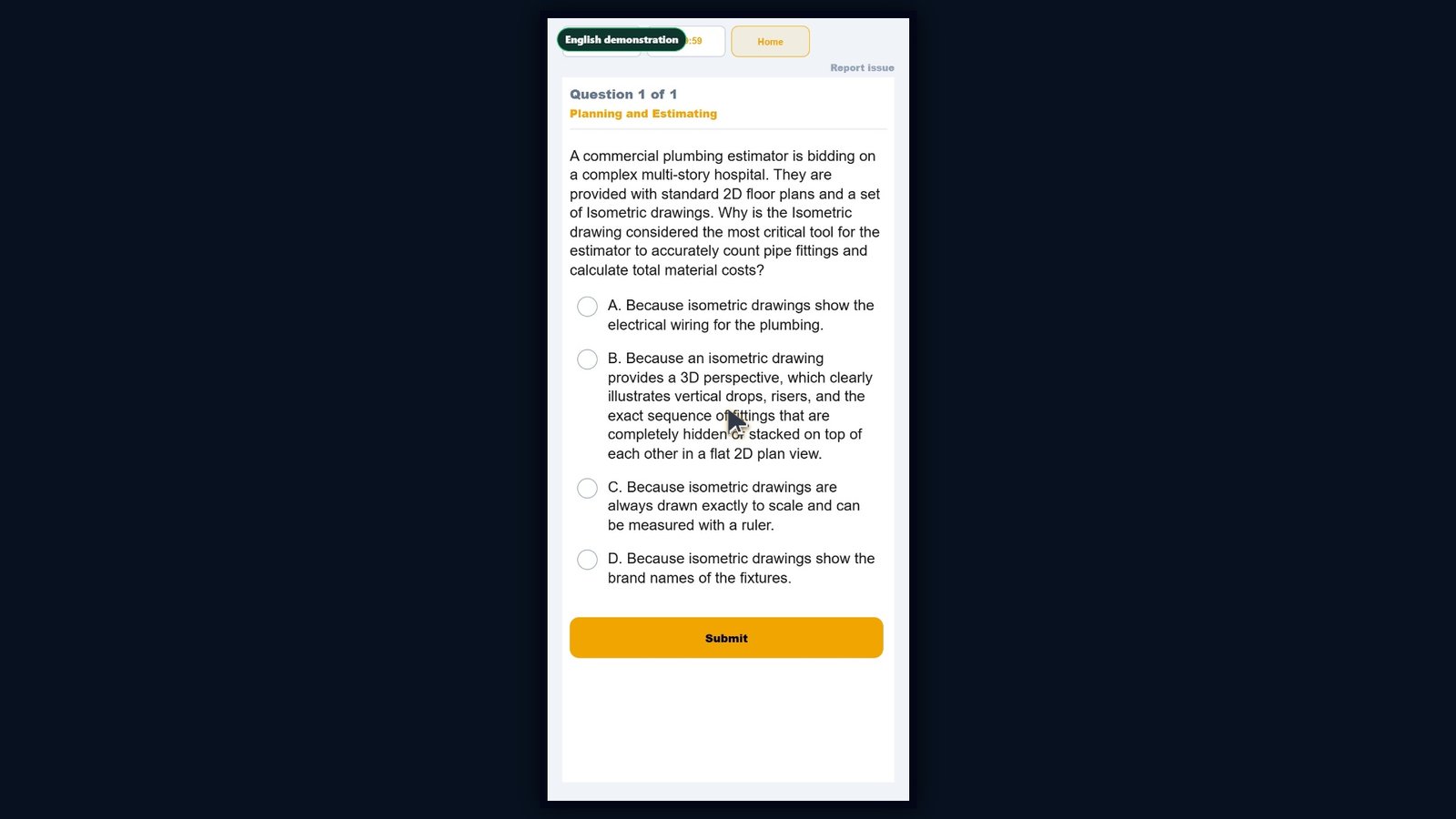
Classroom Basics: start the built-in walkthrough. This welcome screen appears the first time the classroom opens. Click Start Walkthrough to begin the built-in guide. Classroom overview. See progress, missed questions, exams, flashcards, Focus Tests, and voice tools. Log in or out. Sign in and manage device access. Application Tool. Prepare application answers and open the correct form. Help. Replay the walkthrough or open guidance. Exam tabs. Switch between Law and Business and the selected trade. Question bank. Confirm the open category. Full Exam. Start a larger mixed test. Flashcards. Open study cards with separate progress. Focus Tests. Practice missed questions. Category buttons. Start, continue, restart, or review. Question screen. Keep the prompt and answers together. Live status. See time, count, and score. Answer choices. Select an answer. Explanation and citation. Review why the answer is correct. Question controls. Submit, continue, or return home. Get started. Work categories first, then use flashcards, exams, and Focus Tests. That is the classroom walkthrough.
More demo videos
Ready to practice for real?
Try the real classroom free, no sign-up, or get the full course for your trade.
Independent exam preparation. Contractors Classroom is not affiliated with the Contractors State License Board, and no course can guarantee a passing result.