Practice Questions: Classroom Demo Video
See the real classroom, switch between Law & Business and the selected trade, start Planning and Estimating, submit an answer, review your missed question, and see how Focus Tests collect it.
One-time purchase, no subscription. Law & Business included.
Transcript
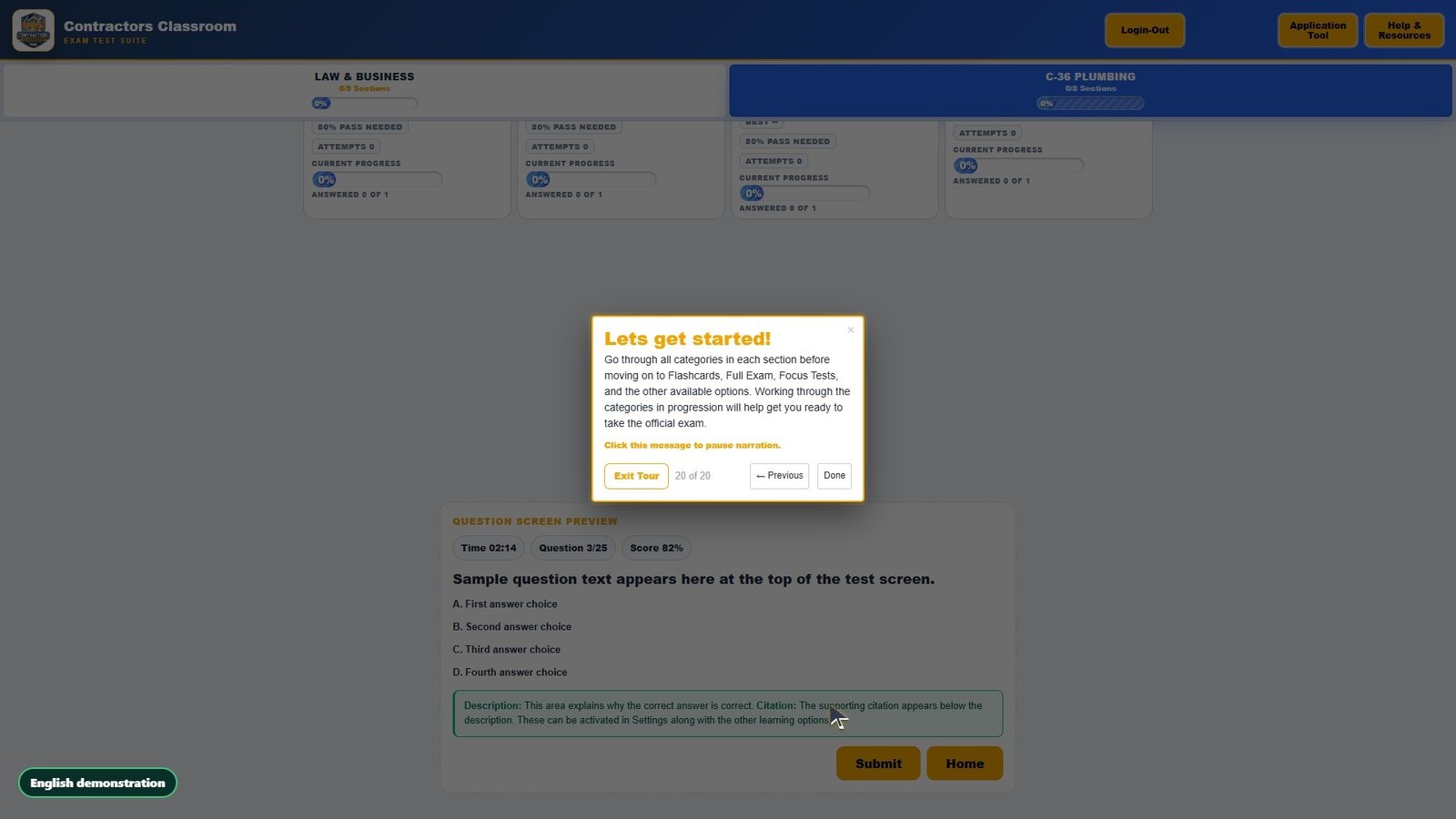
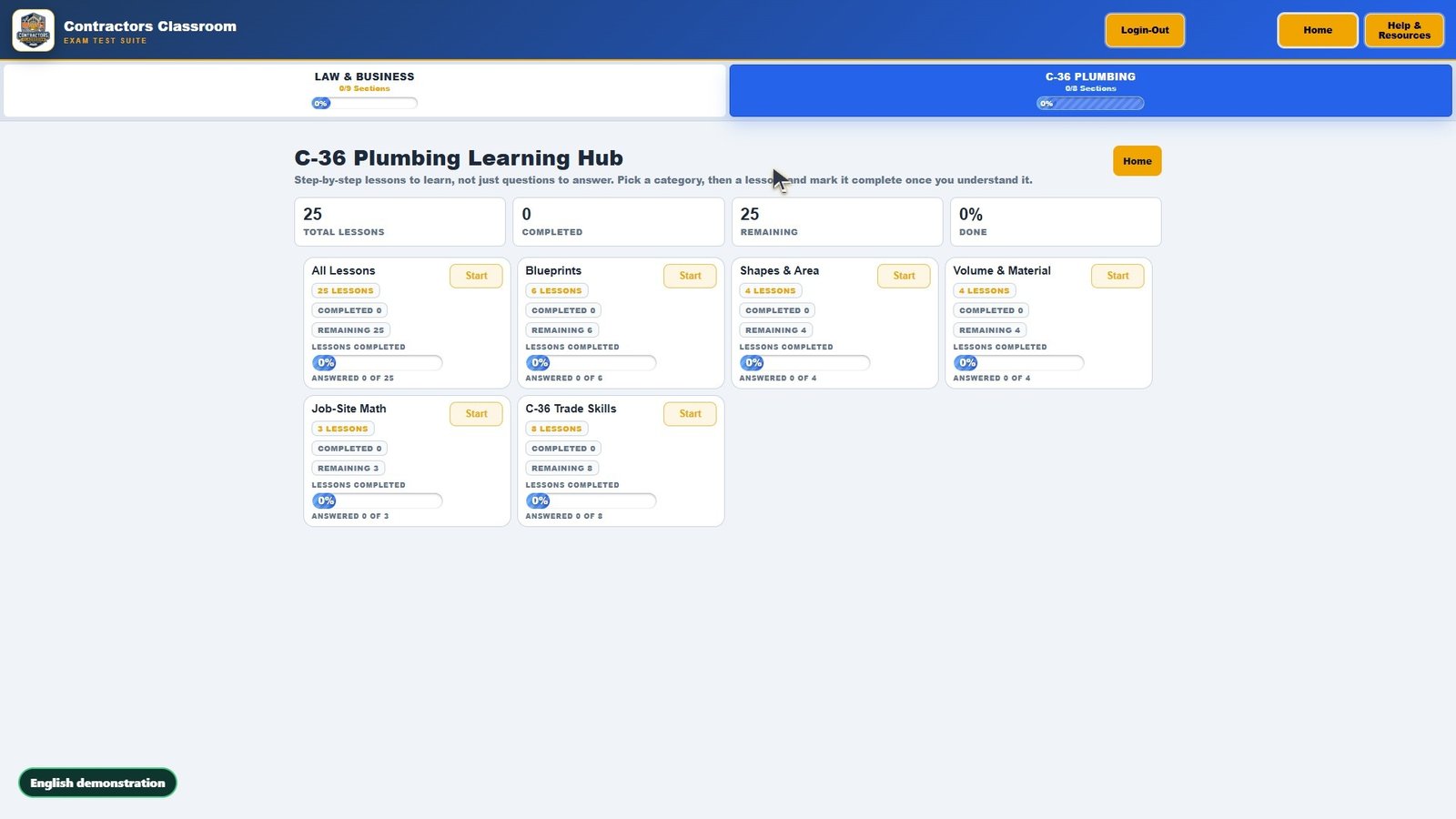
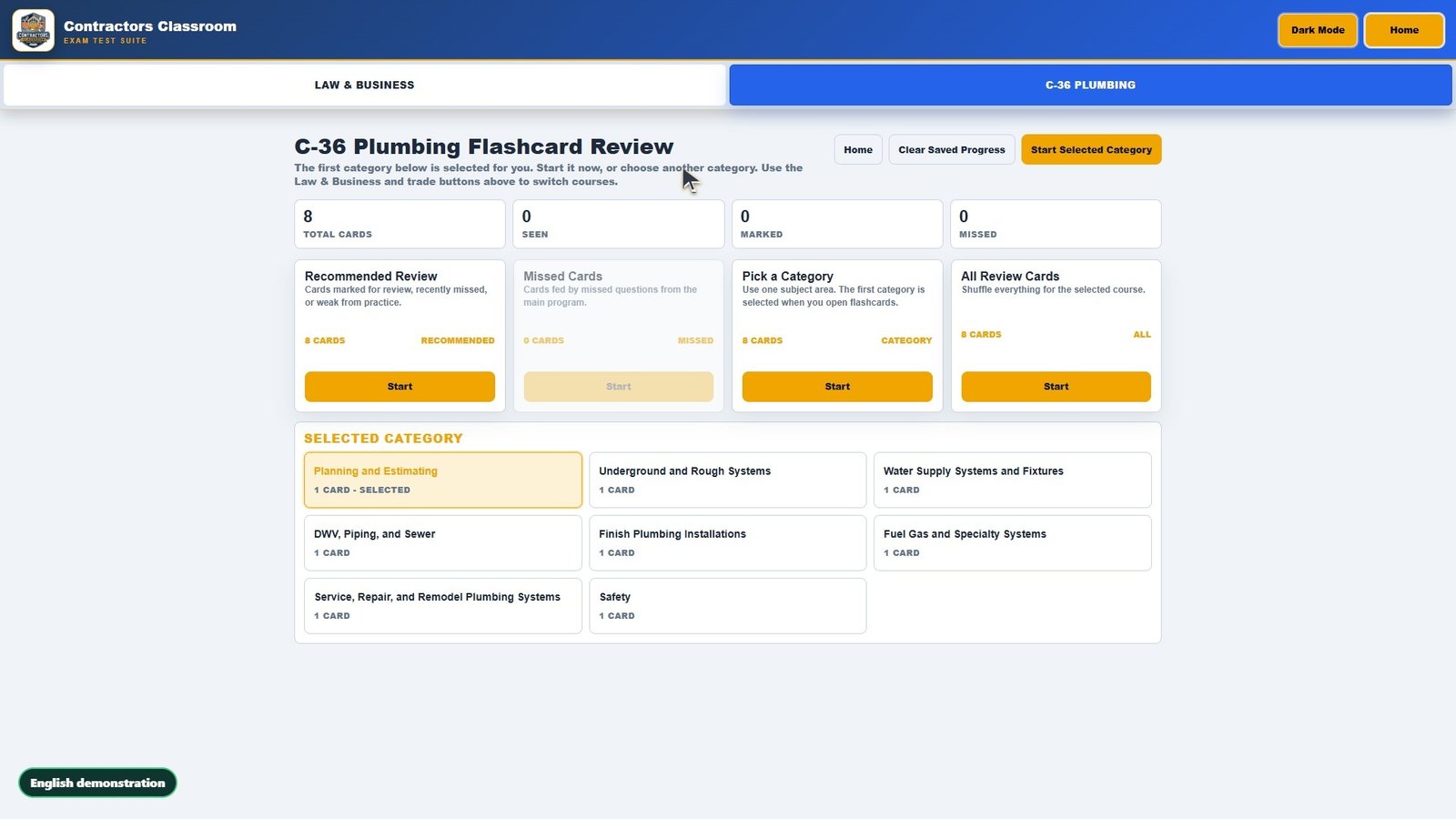
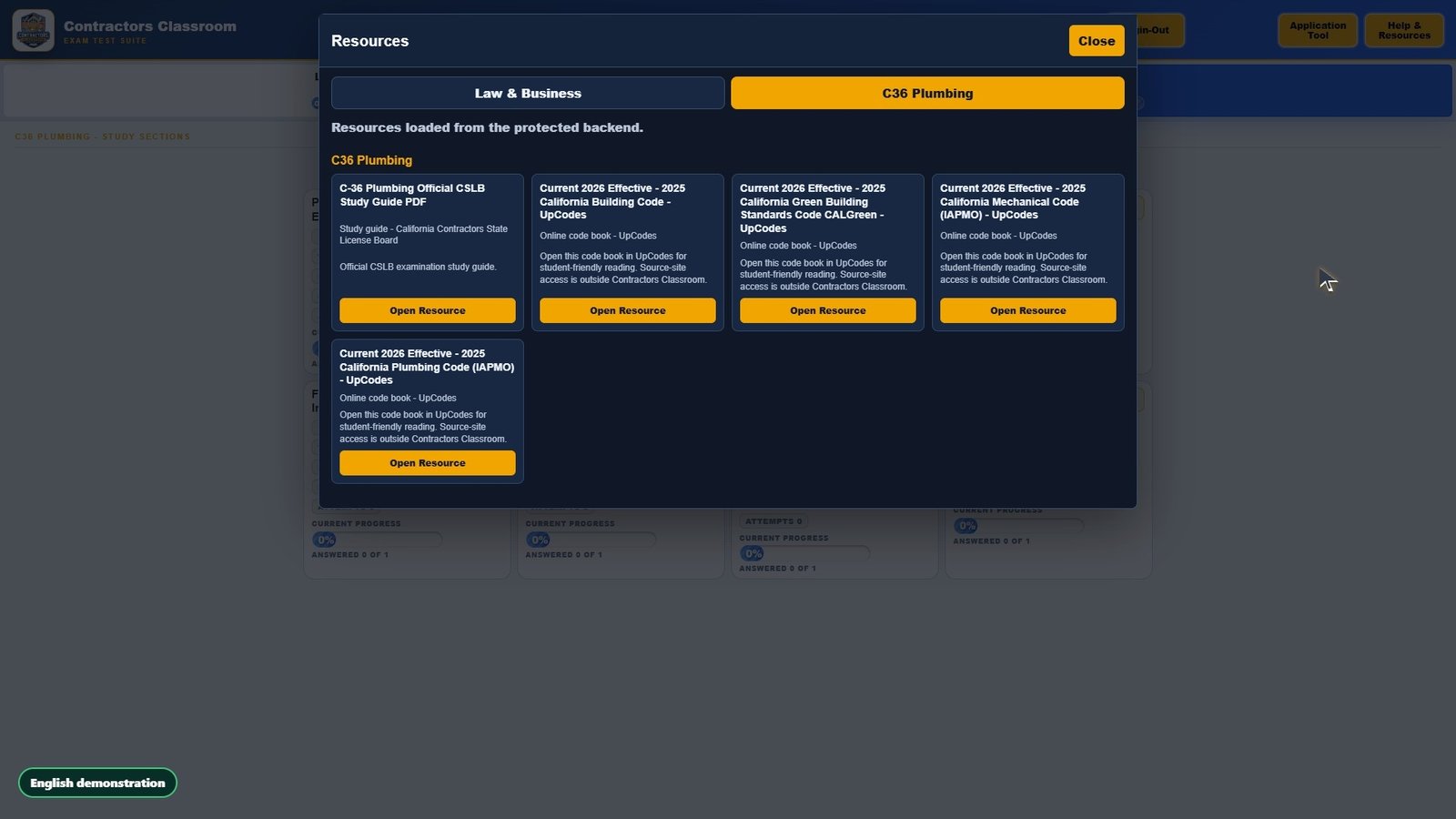
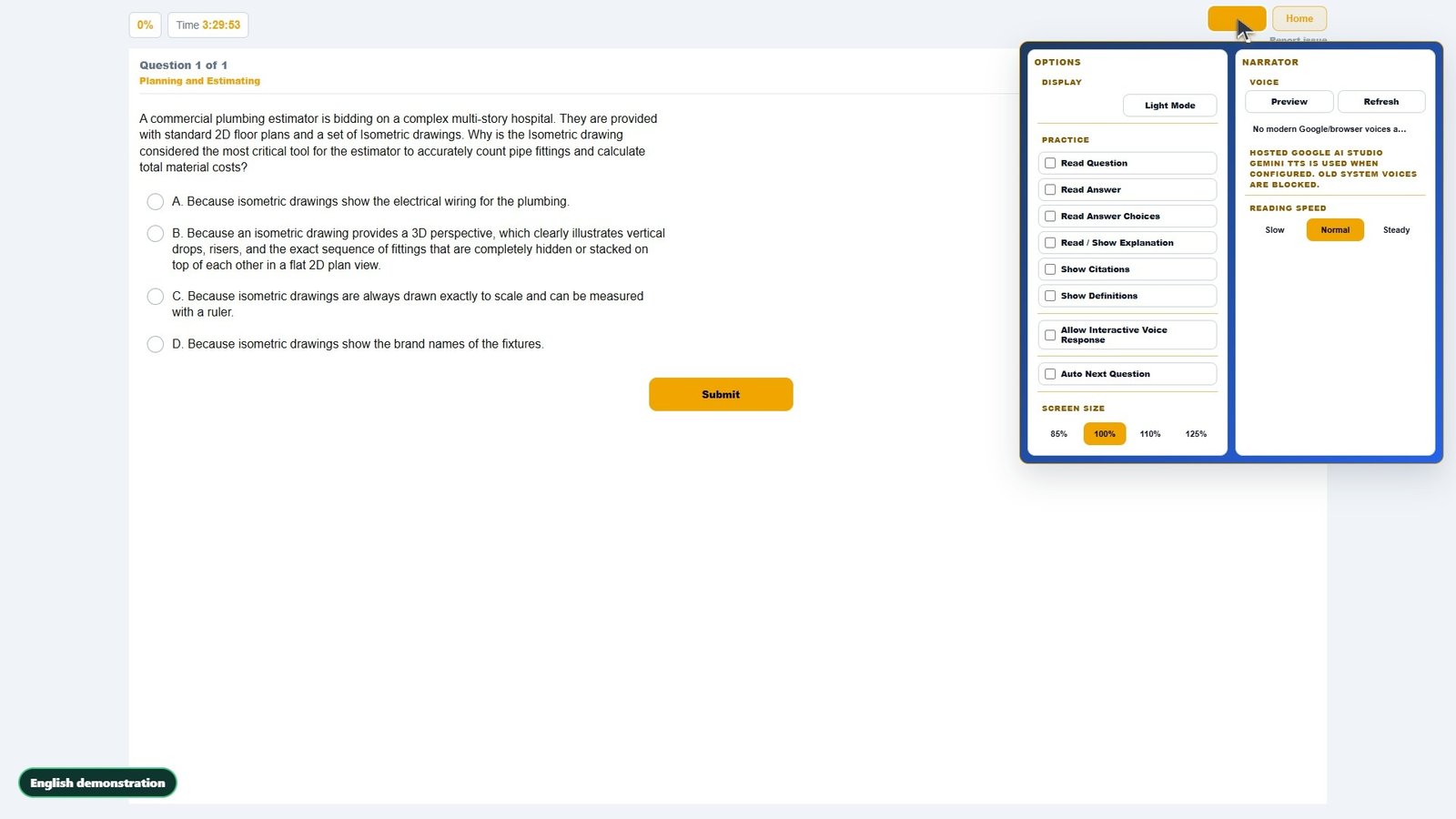
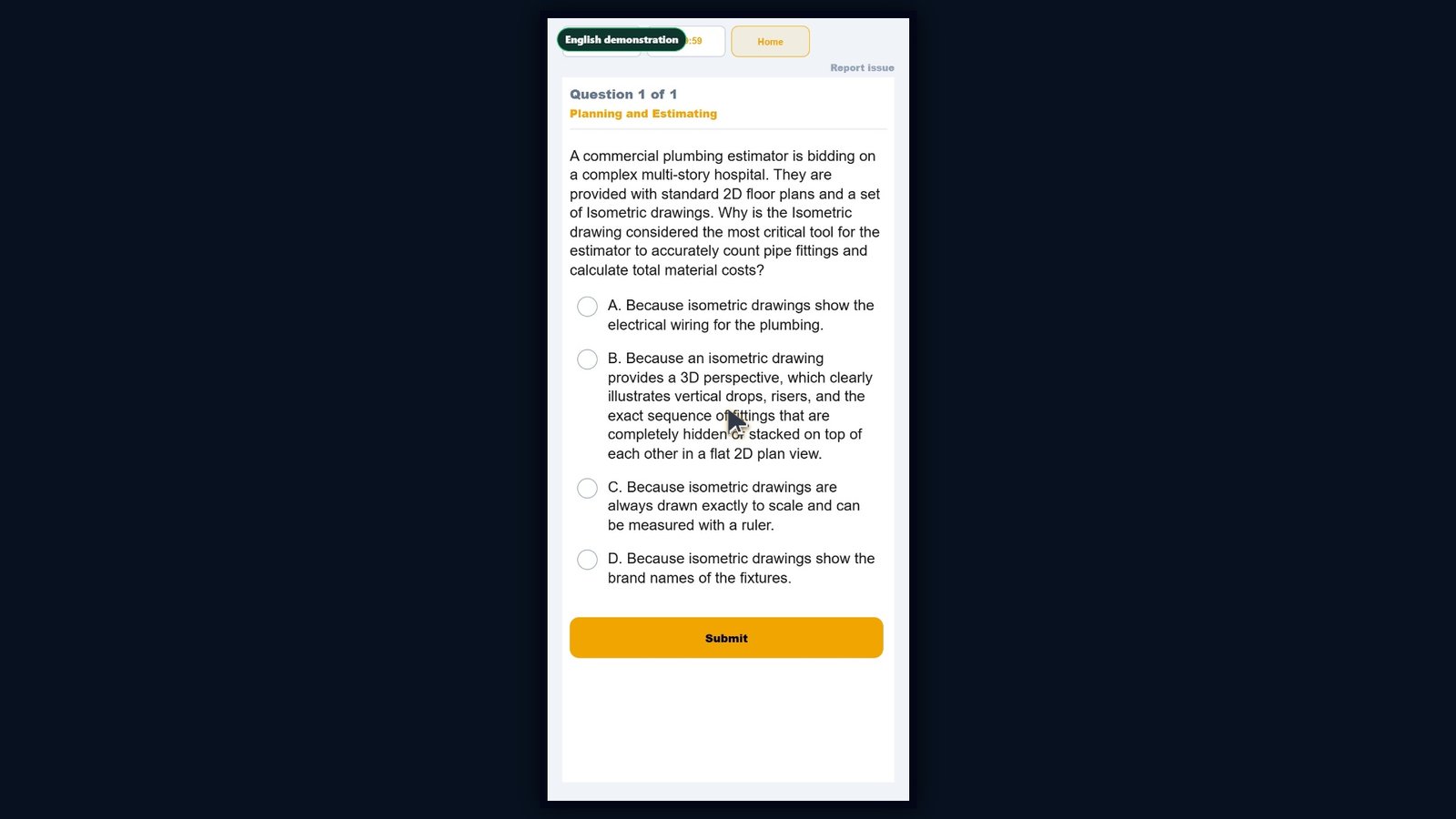
Practice Questions starts in the real classroom, with a tab for Law and Business and a tab for the selected trade. Law and Business lists its study sections, each with its own Start button, question count, and progress. Use the exam tab to switch to the selected trade, which has its own study sections. Click Start on Planning and Estimating to open that section. The question screen keeps the question, the answer choices, the timer, and Submit together. Select an answer first. The classroom marks your choice, but waits for Submit. Click Submit to record the answer. The correct answer turns green and a missed choice is marked, so you see right away what to remember. Click Next Question to move on. This section has one question, so the score screen comes next. The score screen shows your result and the pass mark, and lets you try again, review missed questions, or go to the next section. Review Missed brings back just the questions you missed so you can study them again. Focus Tests, on the classroom home screen, gather your missed questions from every section for extra practice.
More demo videos
Ready to practice for real?
Try the real classroom free, no sign-up, or get the full course for your trade.
Independent exam preparation. Contractors Classroom is not affiliated with the Contractors State License Board, and no course can guarantee a passing result.